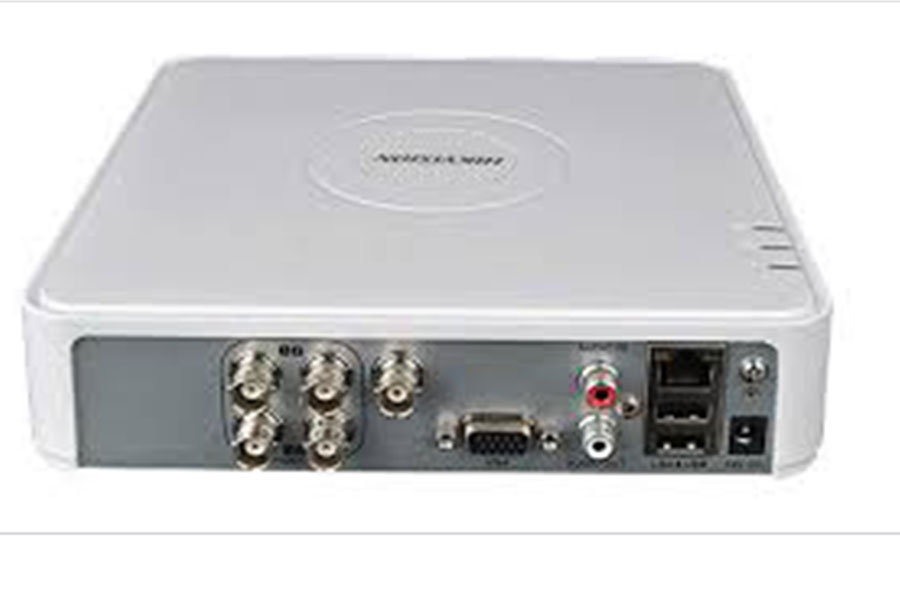
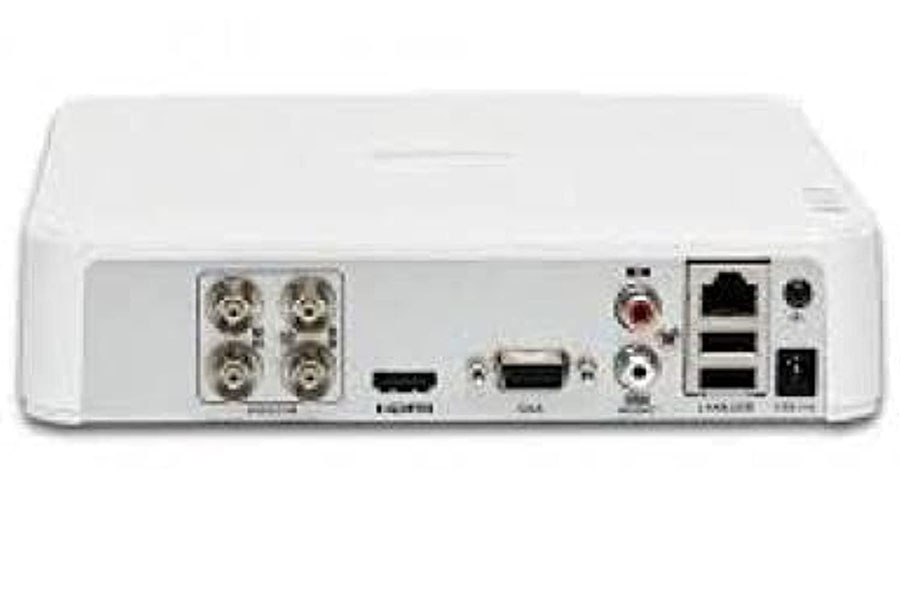
HikVision DVR 4 Port
The Hikvision 4-Port DVR is a security system that allows you to connect up to 4 cameras for video surveillance. It supports HD video recording, motion detection, and remote viewing through mobile apps. Featuring advanced H.265 compression for efficient storage, it’s ideal for monitoring homes or small businesses.
Key Features:
-
4 Camera Inputs:
-
This DVR allows you to connect and monitor up to 4 cameras simultaneously.
-
-
HD Video Support:
-
Most modern Hikvision DVRs support high-definition video formats like 1080p, and some even support 4K resolution for clearer images.
-
-
Compression Technology:
-
H.264/H.265 Compression: These DVRs often use advanced compression methods to save storage space while maintaining video quality.
-
-
Remote Viewing:
-
Allows you to access live footage or recorded video remotely via mobile apps (like Hik-Connect) or desktop applications over the internet.
-
-
Storage Options:
-
Usually equipped with an internal hard drive that can be expanded based on the model. A typical 4-port DVR might support 1-2 TB or more of storage for video recording.
-
-
Motion Detection & Alerts:
-
Many Hikvision DVRs have motion detection functionality, where you can set up alerts (e.g., via email) when motion is detected in the camera’s view.
-
-
Multiple Video Outputs:
-
Offers HDMI and VGA outputs to connect to monitors for local viewing.
-
-
Security Features:
-
Typically equipped with password protection and encryption to ensure the safety of video feeds and prevent unauthorized access.
-
Common Models in Hikvision 4-Port DVRs:
-
DS-7104HGHI-F1: A popular 4-channel DVR that supports analog cameras and offers features like smart detection and remote access.
-
DS-7204HUHI-K1: Another common model, supporting higher video resolution and hybrid compatibility (analog and IP cameras).
Setup & Use:
-
Cameras: You can connect 4 security cameras to the DVR, depending on your needs. The DVR might support both analog (CVBS) and IP cameras (Network Video Recorder – NVR mode) in some hybrid models.
-
Configuration: The DVR will need to be configured for network access if remote viewing is required. Setting up the system for remote access typically involves port forwarding and configuring your router.
-
Mobile App: Hik-Connect is the mobile application used to monitor and manage the DVR from anywhere with an internet connection.
Related Products
Arktek AK-H110M
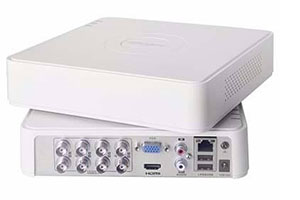
HikVision DVR 8 Port
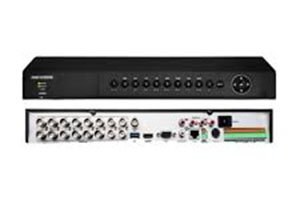
HikVision DVR 16 Port